
Appearance
Recruitment
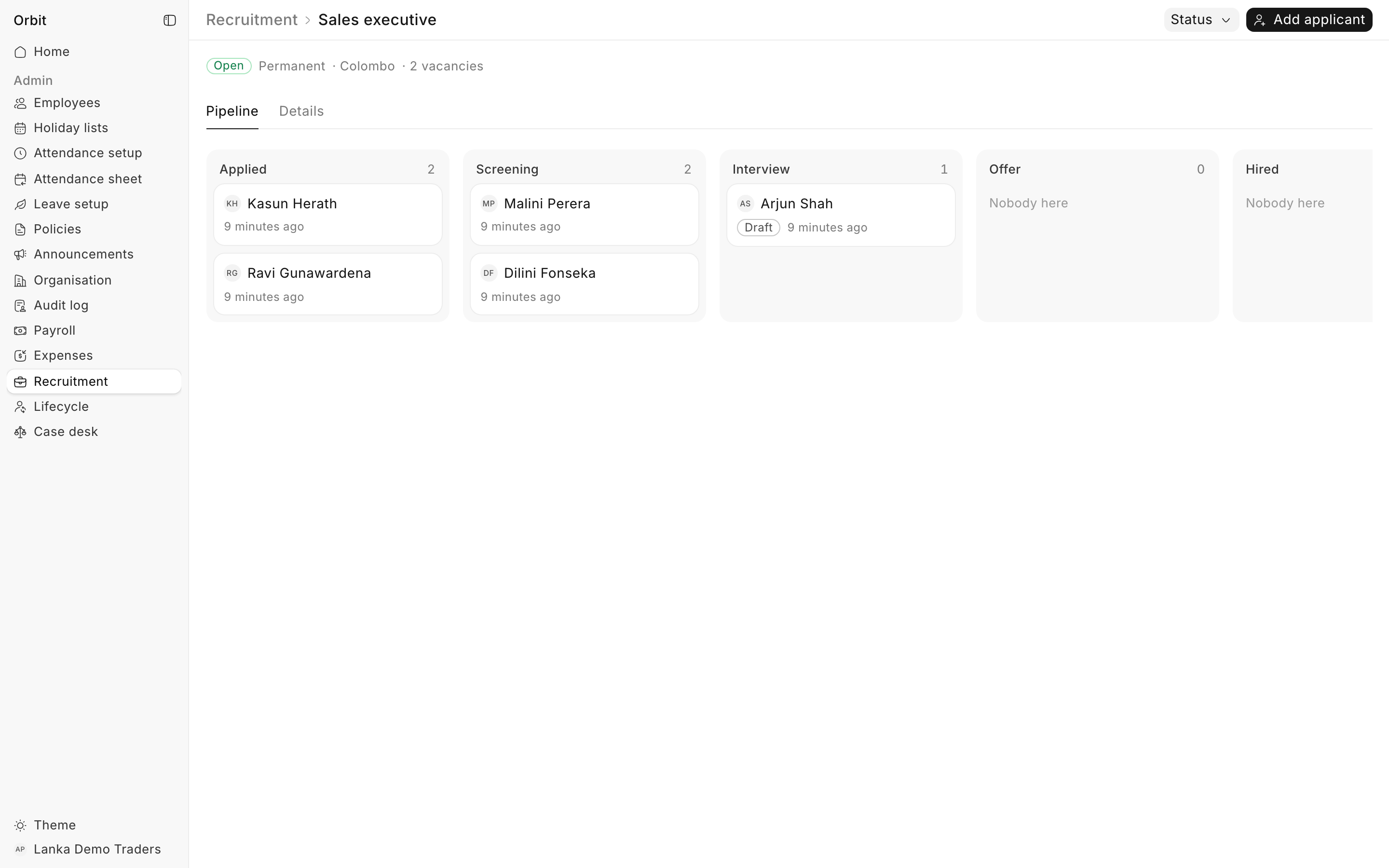
The recruitment module: job openings, applicants, a pipeline through stages, interviews and feedback, and offers with four-eyes approval. There is no careers page or candidate email: HR sends offer letters from their own mail.
Who can do what
| Task | Hiring manager | Interviewer | HR admin | Recruiter (duty) | Owner |
|---|---|---|---|---|---|
| Draft, publish, hold and close openings | yes | yes | yes | ||
| See the salary range | yes | yes | |||
| Add applicants and CVs | yes | yes | yes | ||
| See the pipeline | own openings | yes | yes | yes | |
| Move and reject applicants, schedule interviews | own openings | yes | yes | yes | |
| Give feedback | own interview | ||||
| Make and send offers | yes | yes | |||
| Approve or reject an offer | not their own | not their own |
Members see open openings without the salary. Owners give the recruiter duty (Admin > Recruitment > Settings > Recruiters), never to themselves.
From opening to hire
- Admin > Recruitment > New opening: title, department, employment, vacancies, hiring managers and (owners and recruiters) the salary range. It starts as a draft; Status > Publish opens it.
- Add applicant: name, email, phone, source, CV (PDF, PNG, JPEG or WEBP, up to 10 MB) and their consent. Someone already recorded with that email gets the new application.
- Open an applicant on the pipeline: Move to a later stage, Schedule interview, read feedback, or Close > Reject (with a reason) or Withdraw.
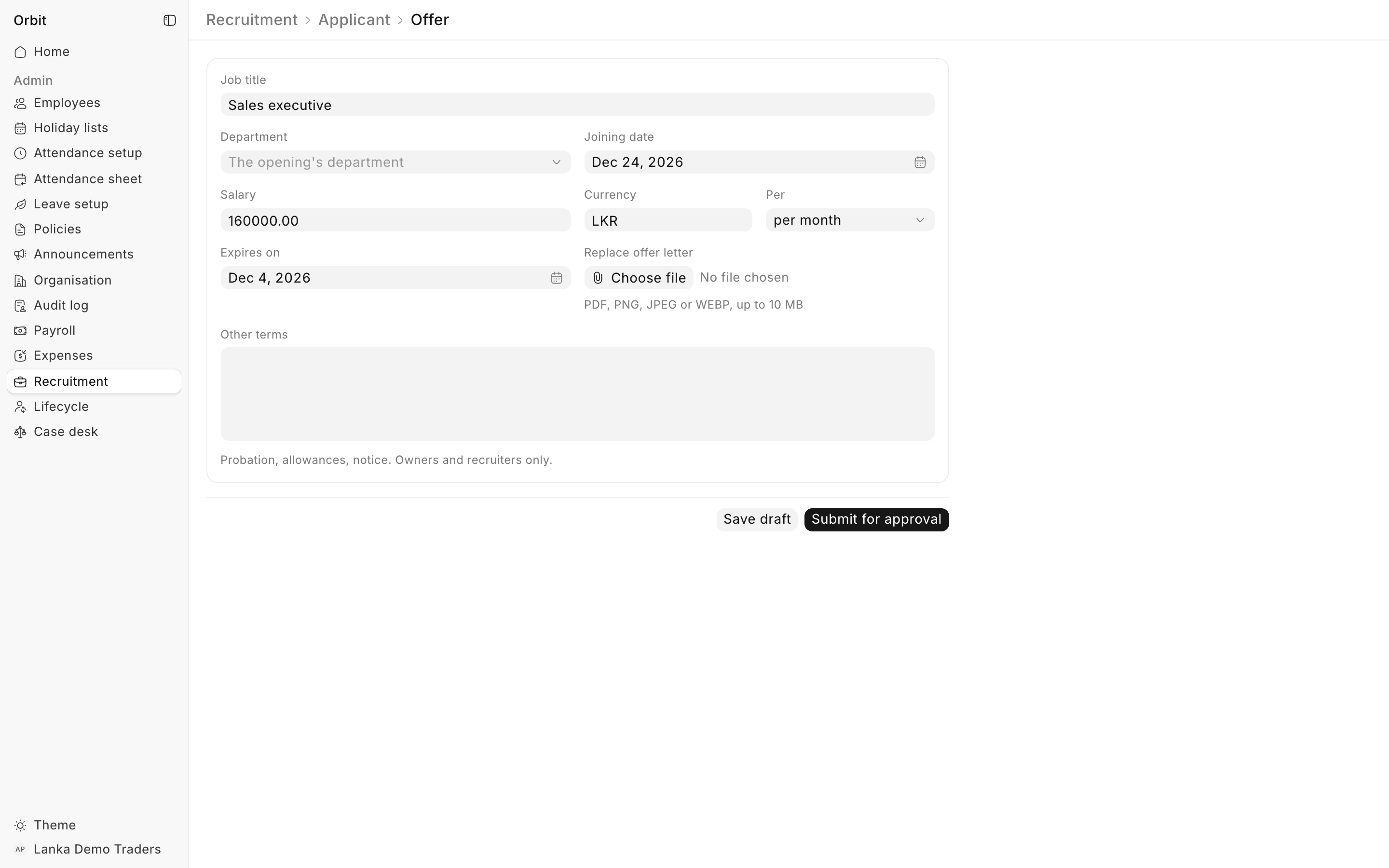
- Make offer: title, joining date, salary, expiry, terms and the letter, then Submit for approval. Someone who did not make it approves or rejects it in Approvals.
- Send the letter from your own mail, then Mark as sent. When they answer, Record acceptance (with the signed copy) or Record decline.
- On acceptance the application is hired. Create the employee in Admin > Employees.
Stages
applied → screening → interview → offer → hired, forward only (skipping allowed). Rejected and withdrawn are final. An offer expires at the end of its expiry date.
One owner, nobody else to approve?
Turn on self-approval in Settings. Each self-approved offer is marked.
Interviews
Interviewers find their interviews under Self-service > My interviews and give feedback once. They see others' feedback only after giving their own. Hiring managers reach their openings from the same page.
Rounds and offer letters
Interview rounds (an opening's Details tab) give each stage a name, a length and default interviewers.
- Add round: name, minutes (5 to 480) and up to 10 default interviewers.
- When you schedule an interview for that round without naming interviewers, the defaults are used.
Offer letters are generated from fixed wording, by recruiters and owners.
- On a draft offer, Generate letter.
- Pick the language (English or French), type the company name, department and who signs.
- The letter fills in the applicant's name, position, joining date, salary, terms and expiry, and replaces any earlier letter. Send needs a letter.
Four eyes
Whoever generates the letter counts as a maker of the offer, so they can't approve it.
Retention
Applicants who were not hired are kept 365 days after their last application closed (a company setting, 30 to 3650 days, pending legal review). A daily run then removes their name, contact details, CV, interview notes and their offers' pay and letters. Hired applicants are never removed; counts stay.
Other doors
A person's agent can list openings and pipelines (no names, contact details or pay), draft openings, move applications and schedule interviews. Rejecting an application and deciding an offer are sensitive. Applicants, CVs, feedback, offers and settings are not agent tools.