
Appearance
Getting started
Sign in, find your way around and learn what your role lets you do.
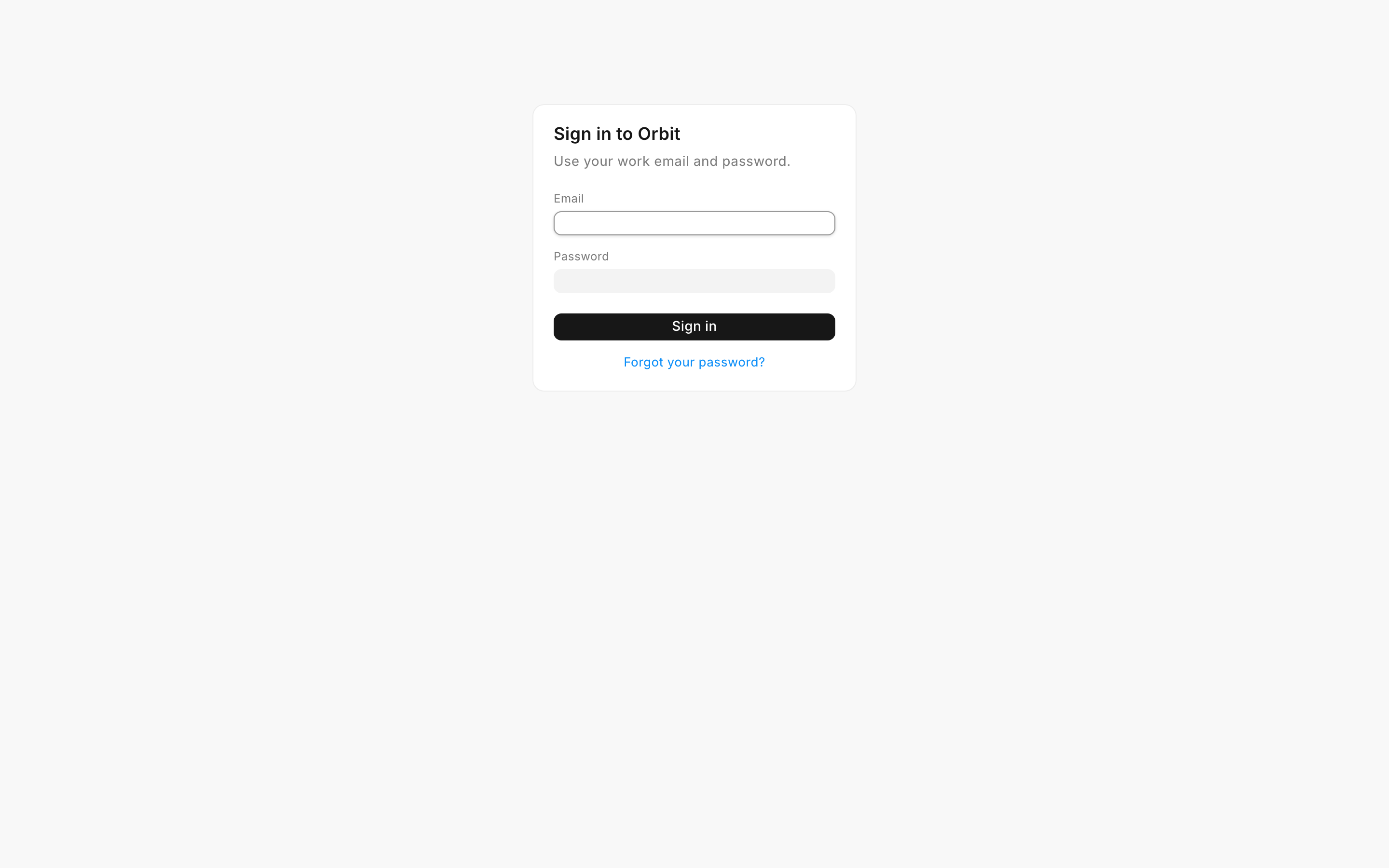
Sign in
- Open your organisation's Orbit address, for example
https://hr.example.com. - Enter your email and password, or choose single sign-on if your organisation set it up.
- If you belong to more than one organisation, pick the one to use. You can switch later from the account menu.
INFO
You can only sign in to an organisation that an operator has set up. Signing in never creates one.
Accept an invitation
- Open the invitation link from your admin (it ends in
/accept-invitation). - Create your account.
- Choose your password from the set-password link. Without email, your admin or operator sends you that link. Until then the account cannot sign in.
Added by your identity provider (SCIM)? You get a set-password email instead.
Reset your password
Use Reset your password on the sign-in page. This needs your organisation's Orbit to send email; if it doesn't, ask an admin.
Roles
Your role in the organisation decides what you see.
| Role | Can do |
|---|---|
| Member | Self-service: profile, leave, attendance, expenses, payslips, policies, approvals sent to you |
| Admin | Everything a member can, plus the Admin section: employees, holiday lists, leave and attendance setup, policies, organisation settings |
| Owner | Everything an admin can, plus payroll, SCIM tokens and the duties for payroll, expenses and recruitment |
On top of the role:
- Managers (anyone with direct reports) get My team and approve their reports' requests.
- Leave approvers set on an employee or a department decide that leave.
- Duties given by an owner (payroll, finance, recruiter) open those areas.
Nobody approves their own request
Whatever your role, a request you made, or one made for you, goes to someone else.
The two layouts
| Area | Address | What is there |
|---|---|---|
| Self-service | /me | Home, attendance, leave, expenses, approvals, payslips, policies, notifications, profile |
| Admin | /admin/... | The admin sections, plus My team for managers |
On a phone, self-service is a single column with tabs at the bottom and the notification bell at the top. On a wide screen the same pages have a sidebar. Admins who open Orbit's address land on Employees.
TIP
Bookmark /me. A member who opens the bare address sees "Nothing here yet".
Theme and language
- Pick light, dark or system from the theme menu. Orbit remembers it on this device.
- The interface is in English. Tamil, Sinhala and French translations are started, and there is no language switch yet.
Help
Help in the account menu opens these docs.
Scripts and agents
Everything in the web app goes through the same rules from the CLI and GraphQL. An AI agent can act for you over MCP with a token you create, and anything sensitive it asks to do waits for your approval (Agents). Developers start at the API docs.